
Achievements!
Since there’s so much more to lylac than meets the eyes, I’m adding “achievements” to studios, as a way to encourage us to make the most of our digital studios. In the Achievements section at the top of studios, you’ll be encouraged to reach certain milestones like posting a link, setting the theme of your studio, posting an image, etc. ⭐️

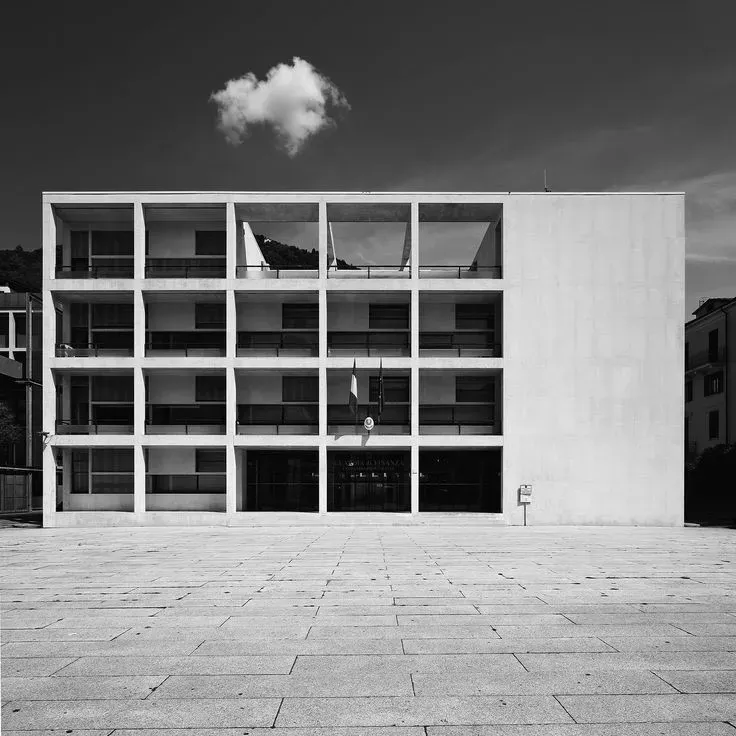
Love this design
Hi everyone!
Thank you so much for joining Lylac and being part of this journey! For the past couple years I’ve been working on this idea and since December I started coding Lylac myself. Lylac is a new platform for creatives to showcase their work, collaborate with others and grow their network, to better find employment and to create a more authentic and engaging community space for creative people. Existing platforms don’t work for us, so much so that they are actively pushing creatives off their services, to favour generic content to support their ad-driven algorithms. They strictly restrict our ability to express our practice and ourselves and provide very limited abilities for collaboration. Lylac is designed to allow you to express your creative practice in your own way. Starting with the ability to post a bunch of different media, you can post photos, texts, projects and folders. I’m going to be running through these in another post. Again, thank you for joining. Have a look around, like something, follow someone. I will be posting more about what’s in Lylac and what’s to come shortly.
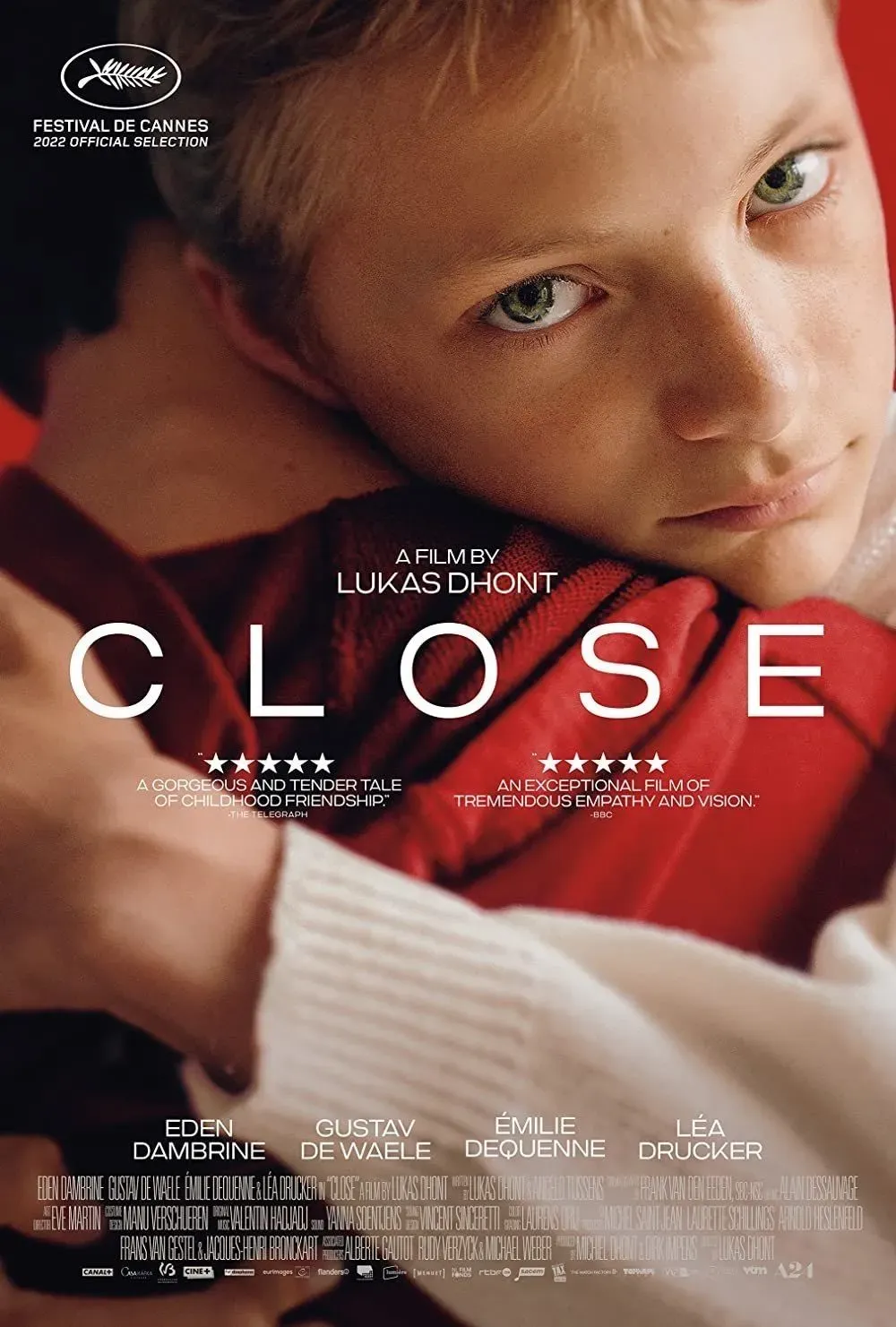
This film actually made me ball so bad
About Folders
Folders are extremely versatile. They are independent posts that can contain collections of work from across Lylac. You can save any post you see on Lylac into one of your folders. Since any type of work can be saved into a folder, this includes photos, texts, projects, or other folder posts. You can create three types of folders: 'Public + Open', 'Public + Closed' or 'Private + Closed'. These will be displayed under ‘visibility settings’ on the Create and Edit page. Public means the folder is viewable to everyone, whereas only the creator can view their Private folder. Open suggests that anyone can add to the folder, whereas Closed implies that only the creator can add to, or edit the folder. Due to the varying levels of privacy that you can achieve, you can post something directly into a public folder (forum-style), or can invite others to collaborate on a secret folder with you, for example. They are especially useful to create mood boards, to organise your ideas and thoughts into manageable collections, and to create open spaces centred around specific topics.
Thinking instead of dynamic box sizing for text-based posts in collections, they should be square by default. Reasons for this change are: other parts of the app show previews of articles as squares so this would provide consistency; compact text posts are quite straining on the eyes, especially if the collection is very text heavy - text content needs white space to be visually digestible.
Speckled Lylac logo, overlayed on students, artists, creative group/university like environment. Speckle could be rigid, interspersed or connected, black and white, or colourful like a halftone.
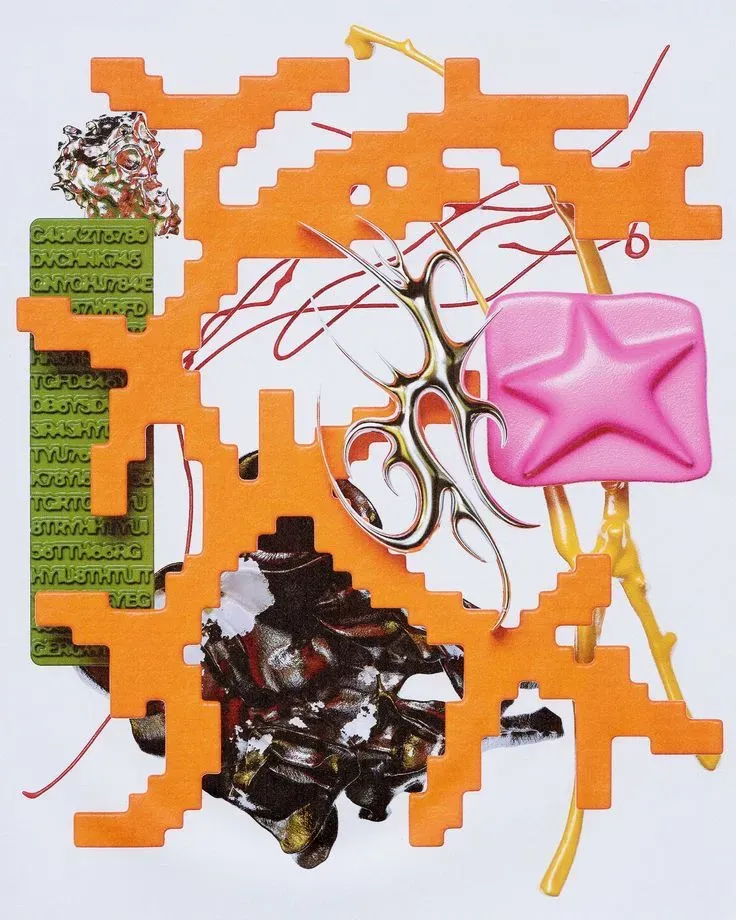
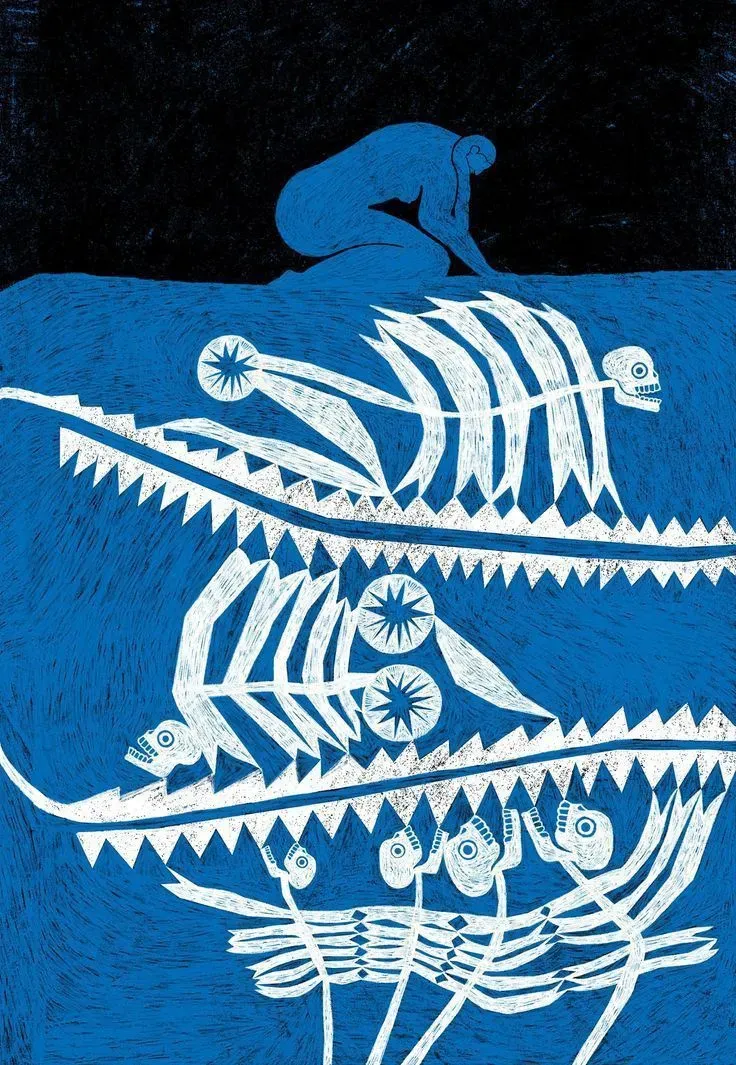
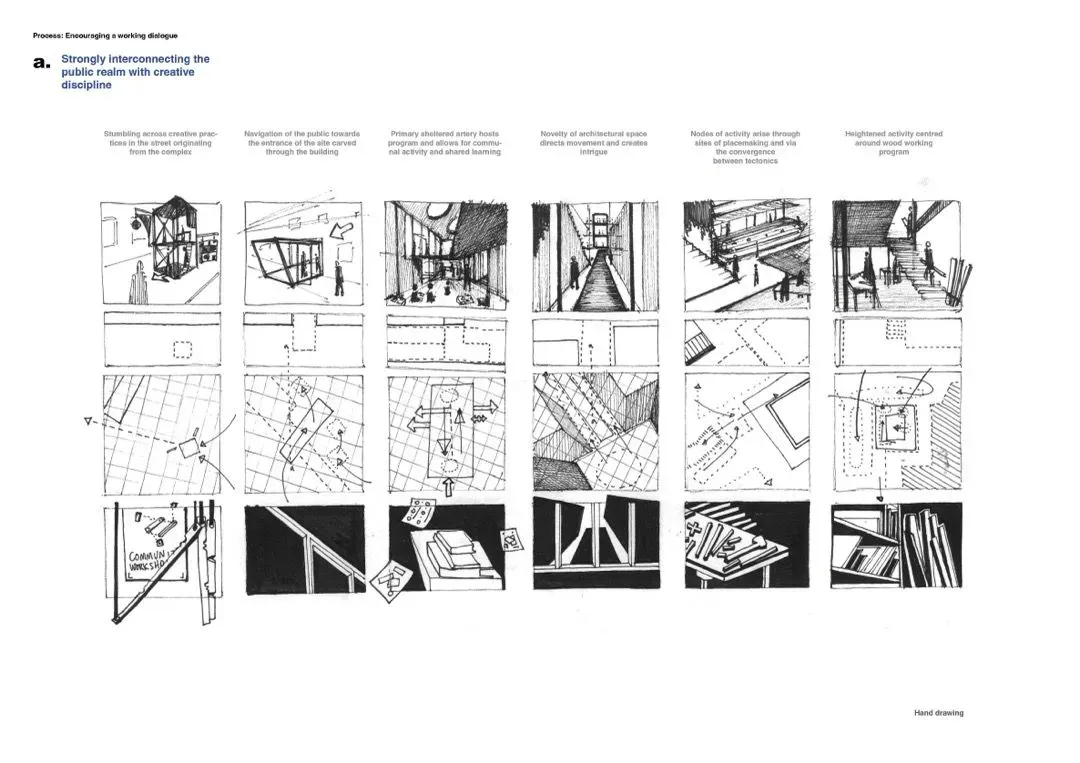
Part of my final year graduate project, I explained my initial proposal through a series of hand drawings inspired by Bernard Tschumi. They aim to guide the viewer through the project through multiple frames and reference points, explaining the human movement as well as my thoughts and a designer.

Art direction and photography by me. The project explored the visual representation of mixed heritage and personal identification through media.
Branding for Lylac could be a block colour - finding what colour/shade/hue of Lylac we want Lylac to be. This will be Lylac’s own brand colour. Marketing could be colouring physical objects/buildings/material things in that colour to build the visual connotation that Lylac embodies whatever that object represents. Ie : A gallery painted Lylac: Lylac is a place to showcase your work professionally. A canvas painted Lylac: a place to be creative and express your creative ambitions Etc..
So much stuff I want to add to Lylac to make it x10000 times more creative than any other platform out there. Need to prioritise. Literally going through sketchbooks of ideas trying to prioritise them… we’re getting there folks. Once Lylac is up and running on the App Store, I might organise some sort of workshop where we go through ideas and figure out what we’d like asap as a creative community, because what I might prioritise as an architect/graphic designer/artist might be different what an illustrator is looking for. I’m constantly making Lylac as versatile as possible for all creative practices to thrive together.

Lylac is a space to just BE. Experiment with your creative practice. This is a no judgement zone. Showcase your work around creative like-minded individuals and build your own community focused groups