Your studio is now your website.
Public studios on Lylac become living websites the moment you make them visible, so the work you are already posting in the app can keep moving outward without asking you to build a second version of yourself somewhere else. As your studio changes — new work, references, notes, fragments, finished pieces — the web version changes with it, which means no separate website builder, no hosting costs, no domain setup, and no familiar promise to update a static portfolio later when you finally have time. You keep working in one place, and your website stays current alongside your practice.
Layouts
Every studio has a default structure. But for those who want more control over how their work is experienced, layouts let you shape that space.
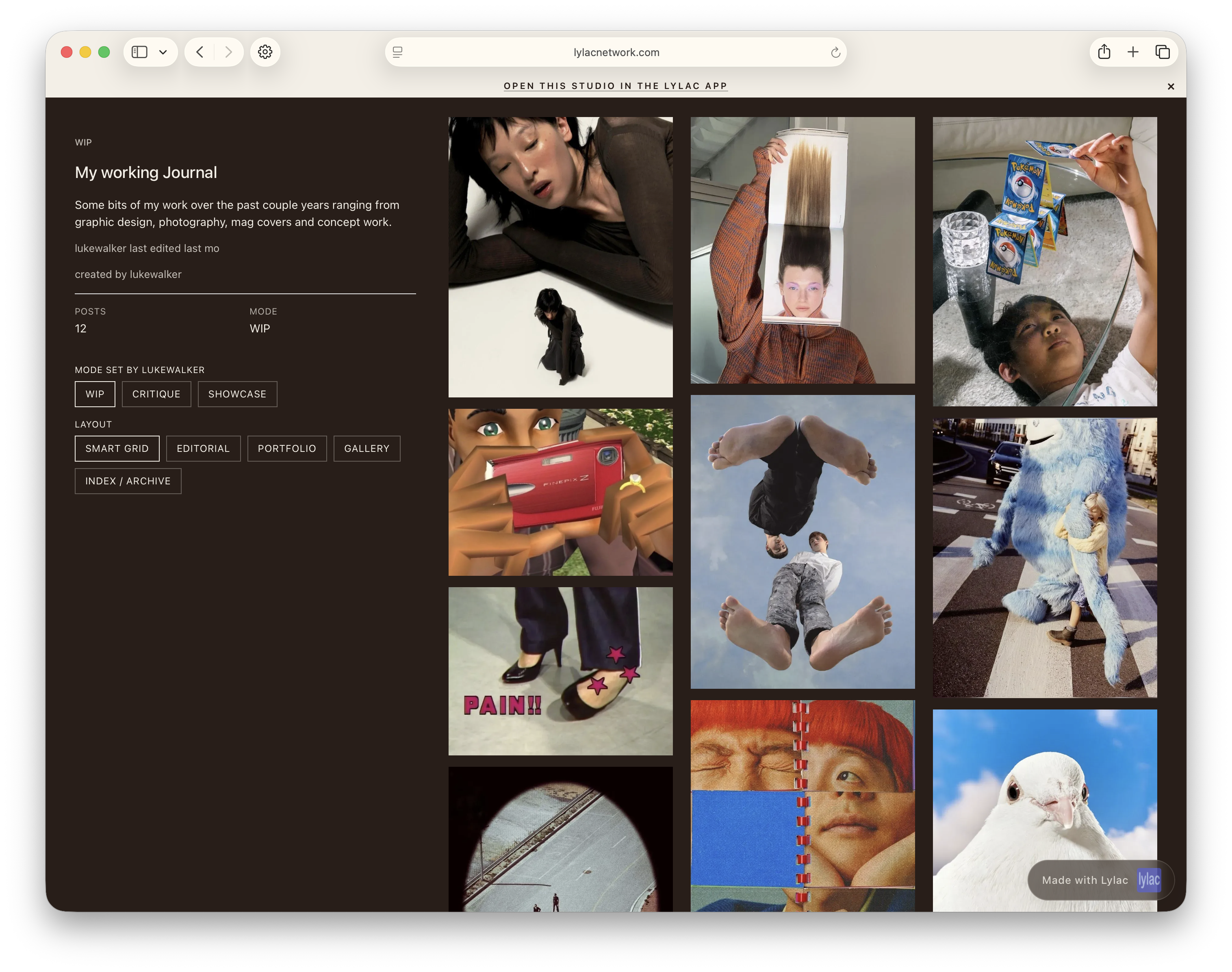
Smart Grid (default)
Smart Grid — your studio, simply organised
A responsive, flexible layout that adapts across mobile and desktop. Everything sits in balance — clean, fast, and easy to move through. Built to work immediately, without needing to think about it.
Editorial
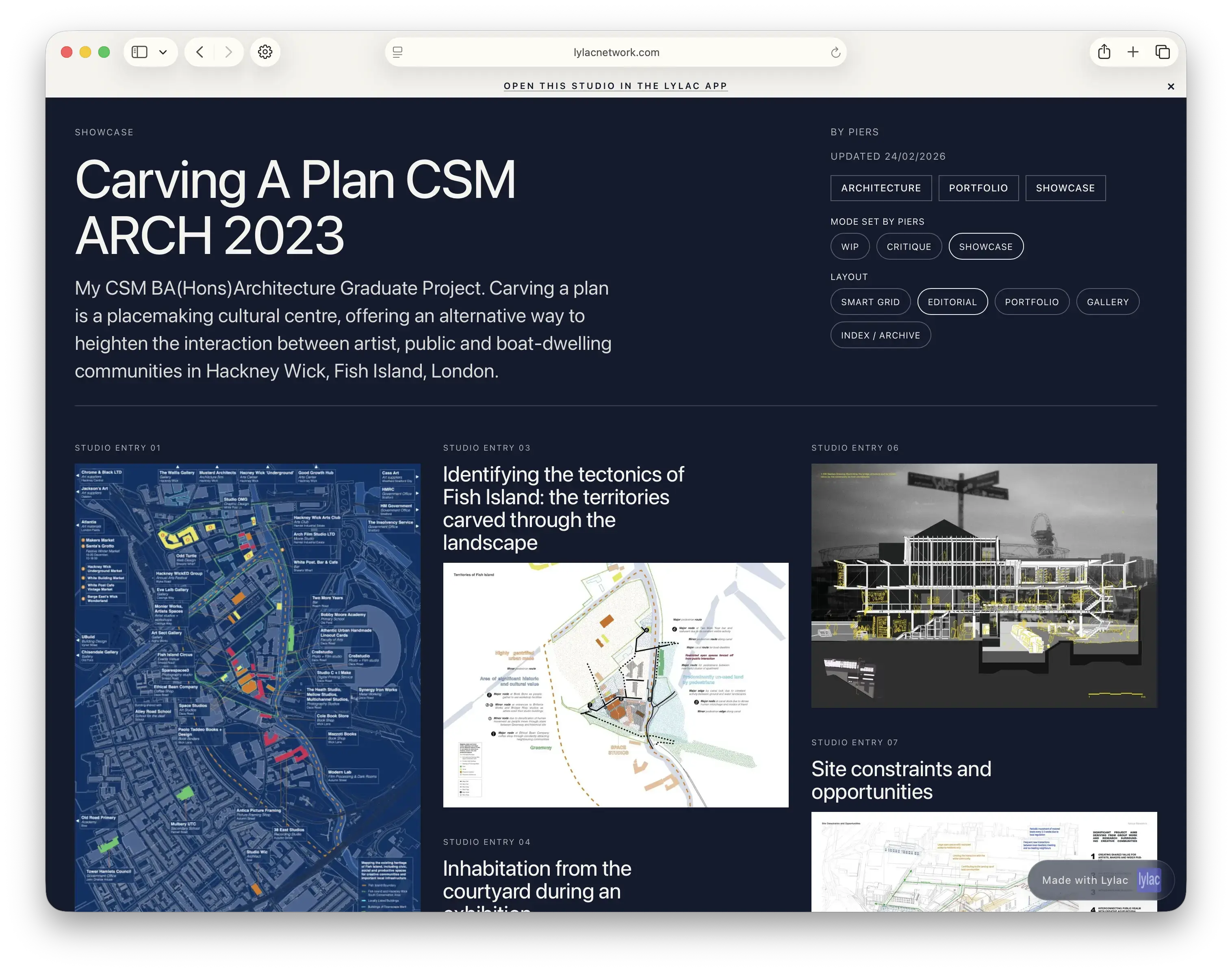
Editorial — for context, writing, and narrative
For practices that need space to explain, reflect, and expand. Text and image sit together, giving your work a voice — not just a surface.
Portfolio
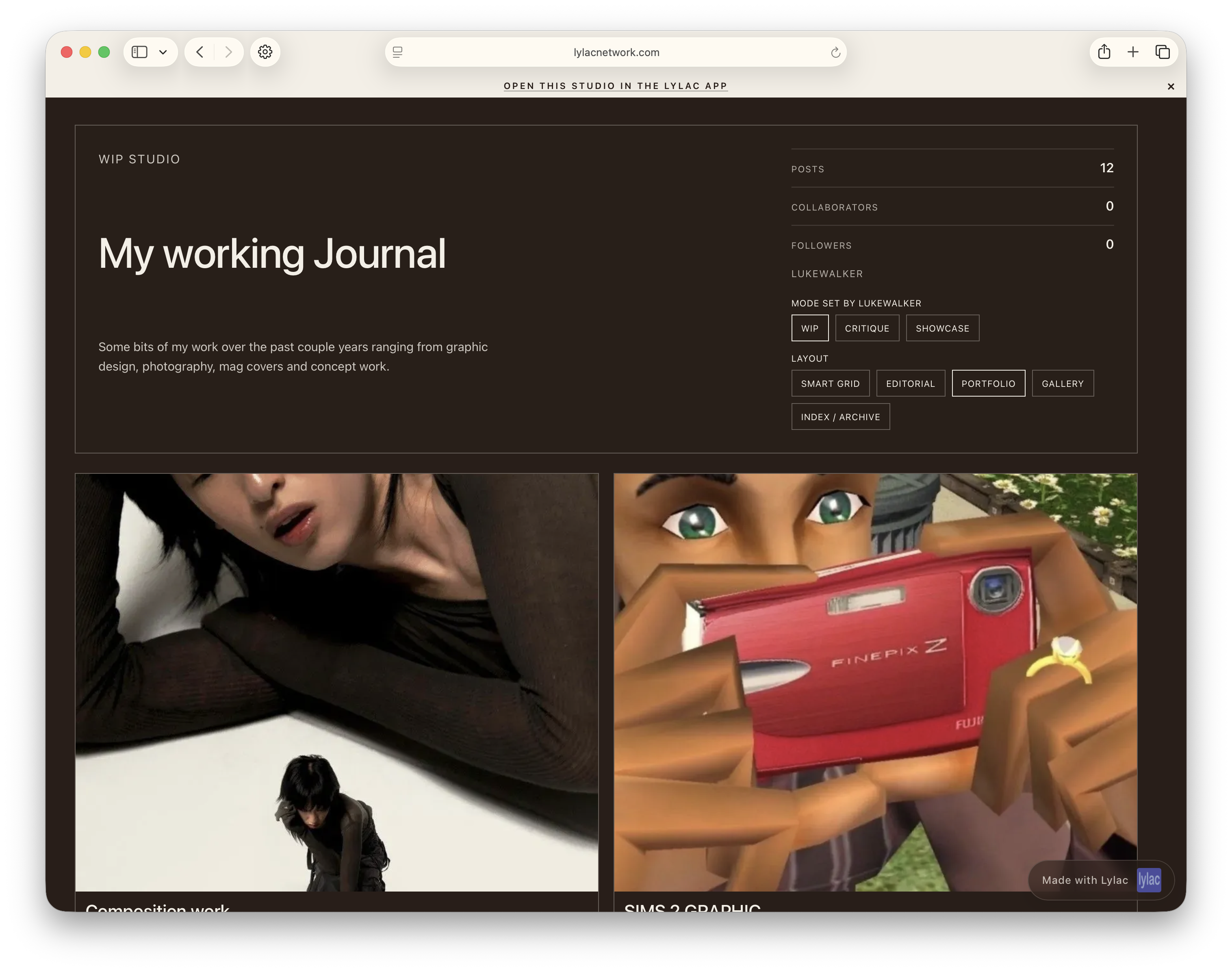
Portfolio — focused, direct, intentional
A more distilled view of your work. Designed for clarity — where each piece stands on its own, without distraction.
Index
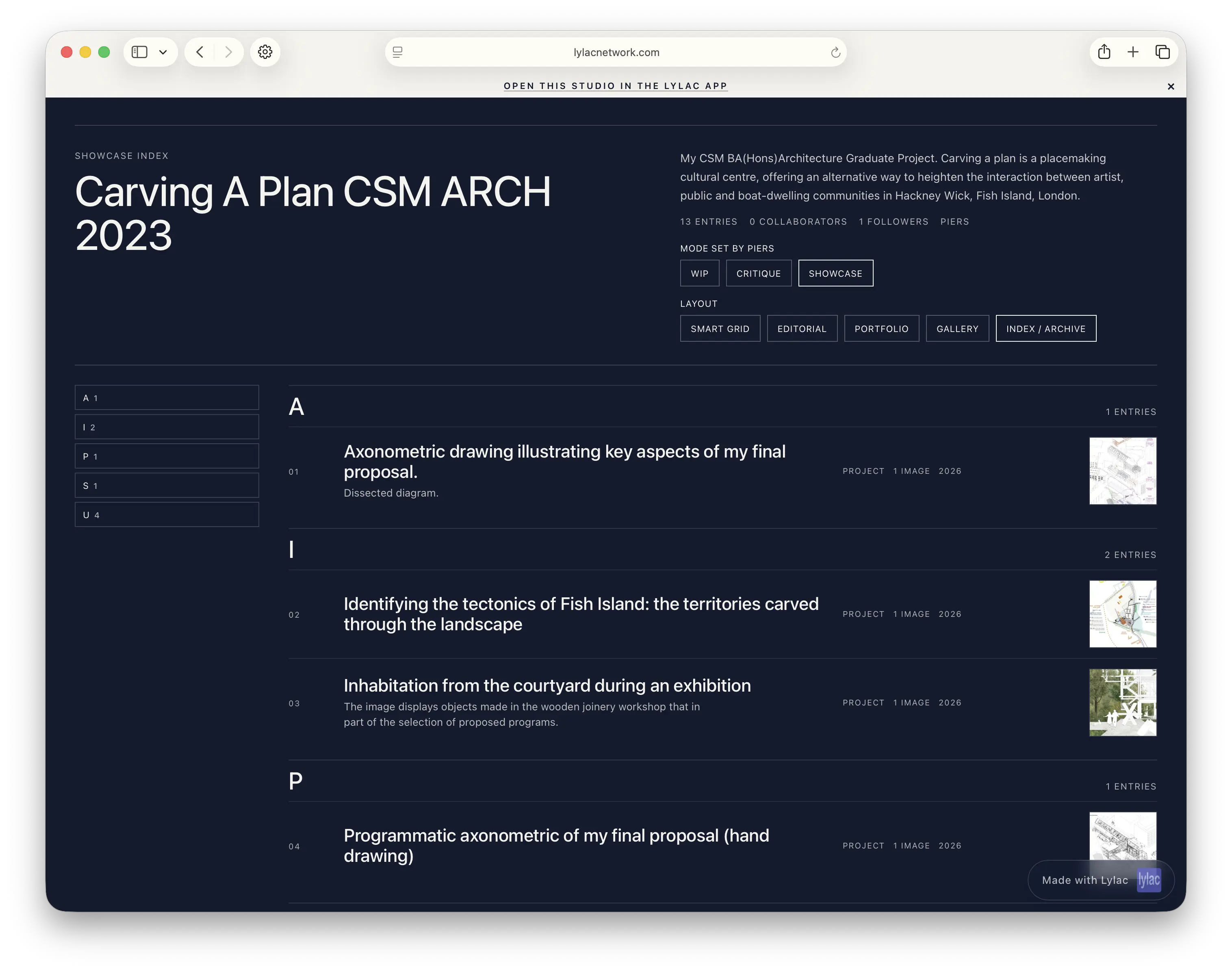
Index — structured, archival, deliberate
A more systematic way of presenting your work. Closer to an archive or catalogue — where relationships between pieces become clearer over time.
Your work already exists. Your studio already exists. Now your website does too — without asking you to stop what you’re doing to build it.